Chrome extension · free
Make the webfunagain.
Effortless notes, highlights, doodles and more — directly onto webpages.
Free. No account. Nothing leaves your browser.
Try it here
The web is your canvas.
This page is a webpage too. Pick up the pencil at the bottom of the screen and draw on it — the same way inkwell works everywhere else.
all this white space is yours
Features
Six things it does well.
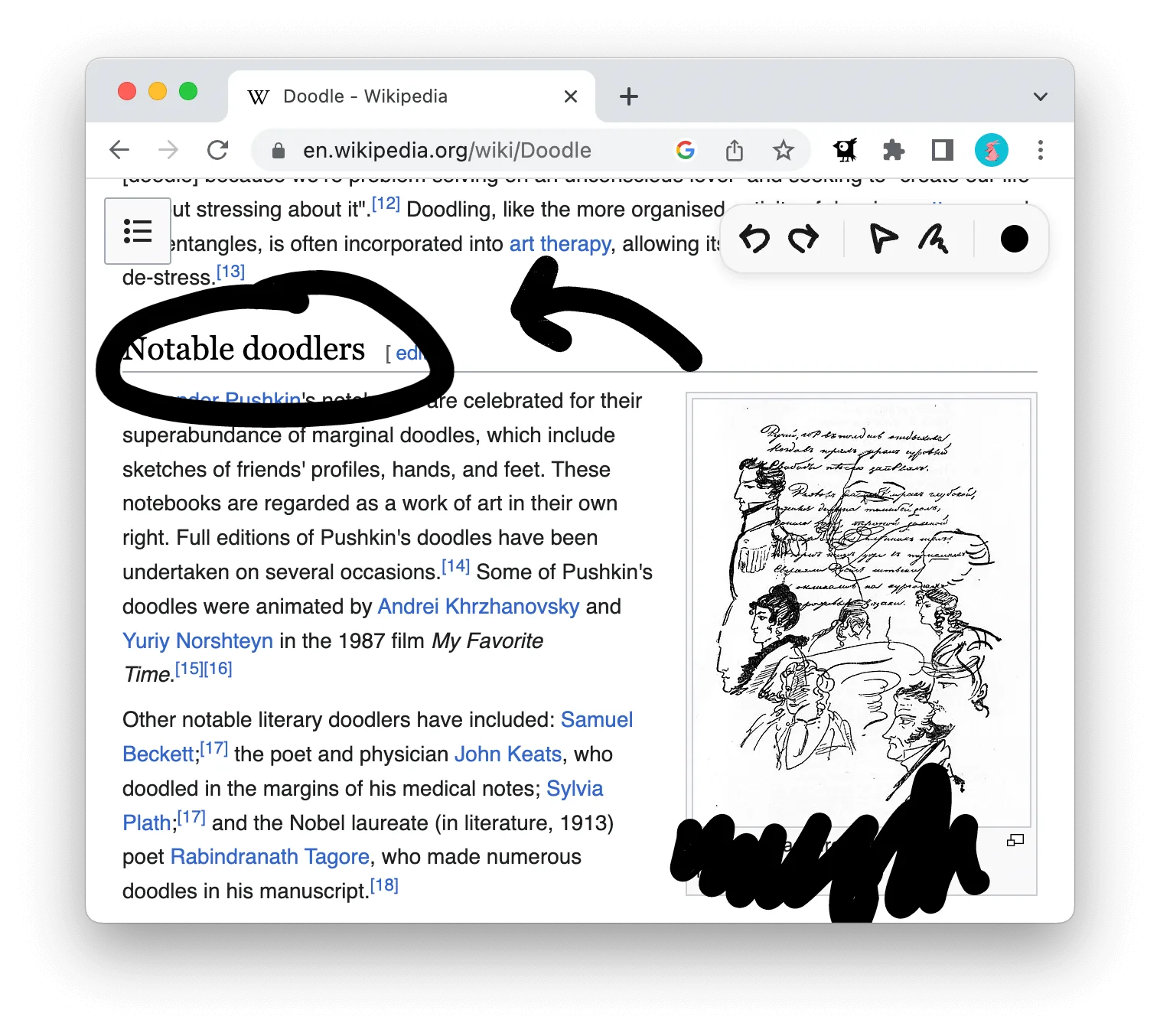
Scroll away.
Your drawing stays where you put it, however far the page goes.
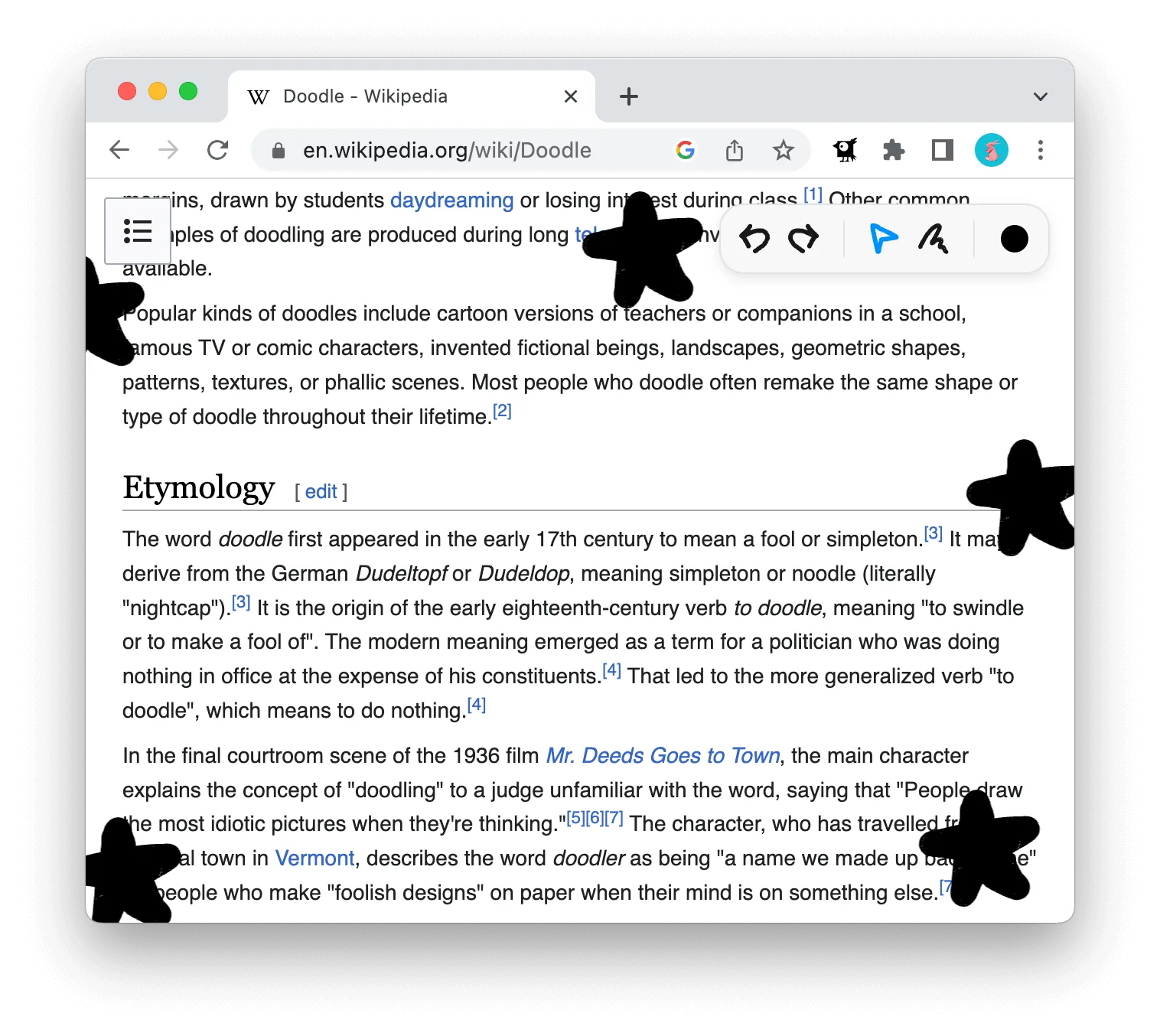
Copy pasta.
Copy a drawing and paste it onto another tab, or another site.
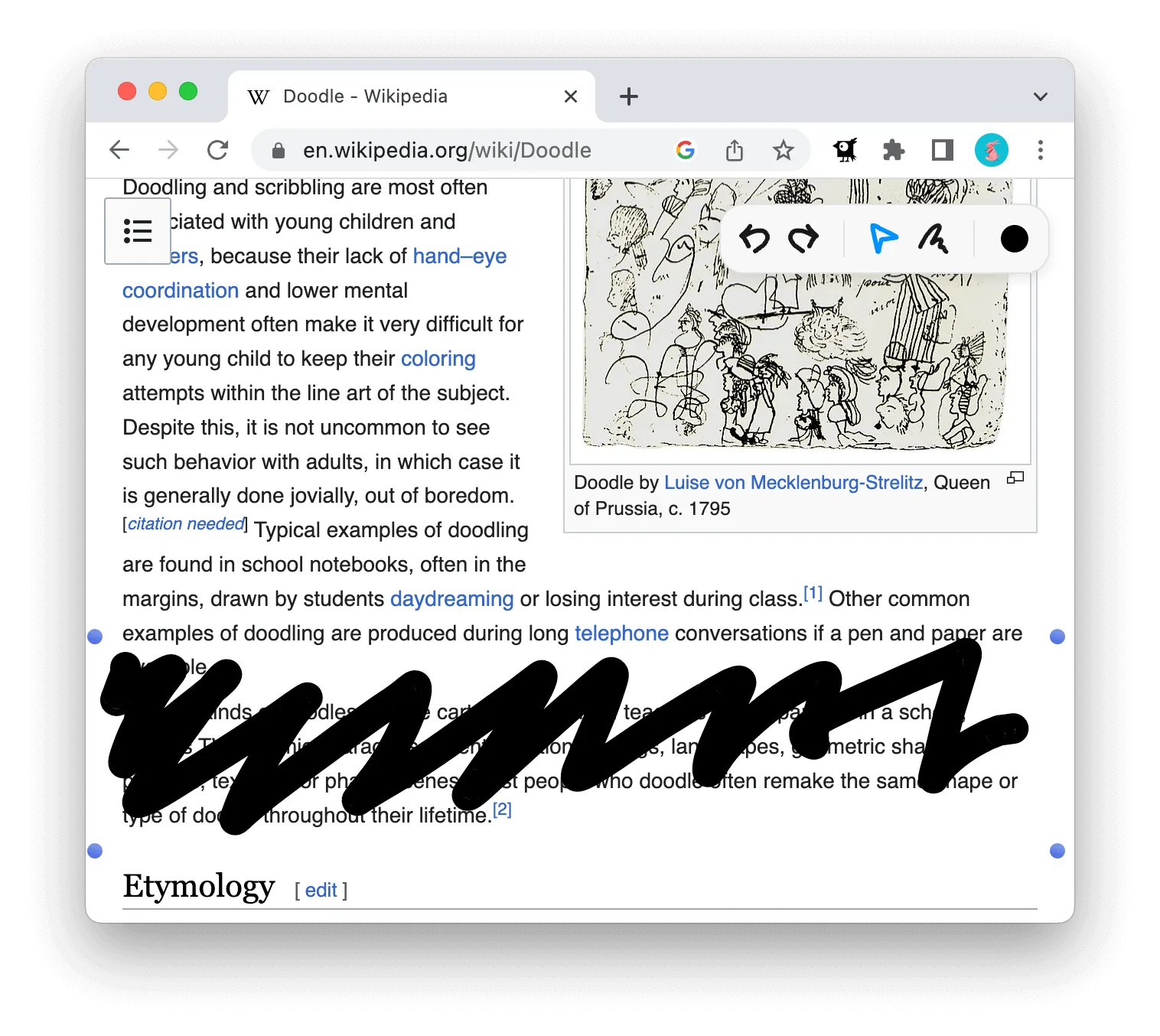
Move things around.
Drag one line, or grab a few and move the whole doodle at once.
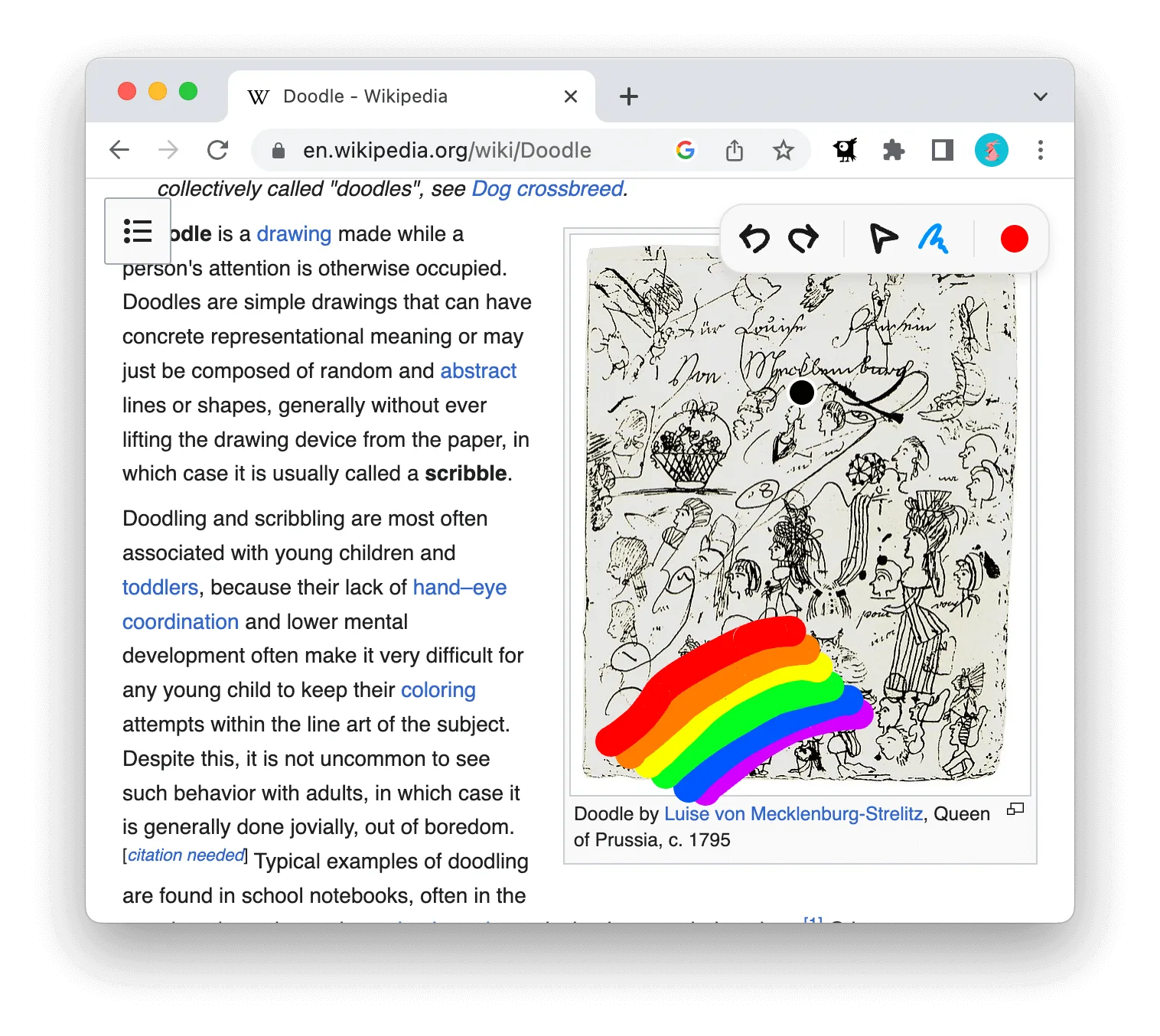
Every colour.
The whole rainbow, not a fixed set of six.
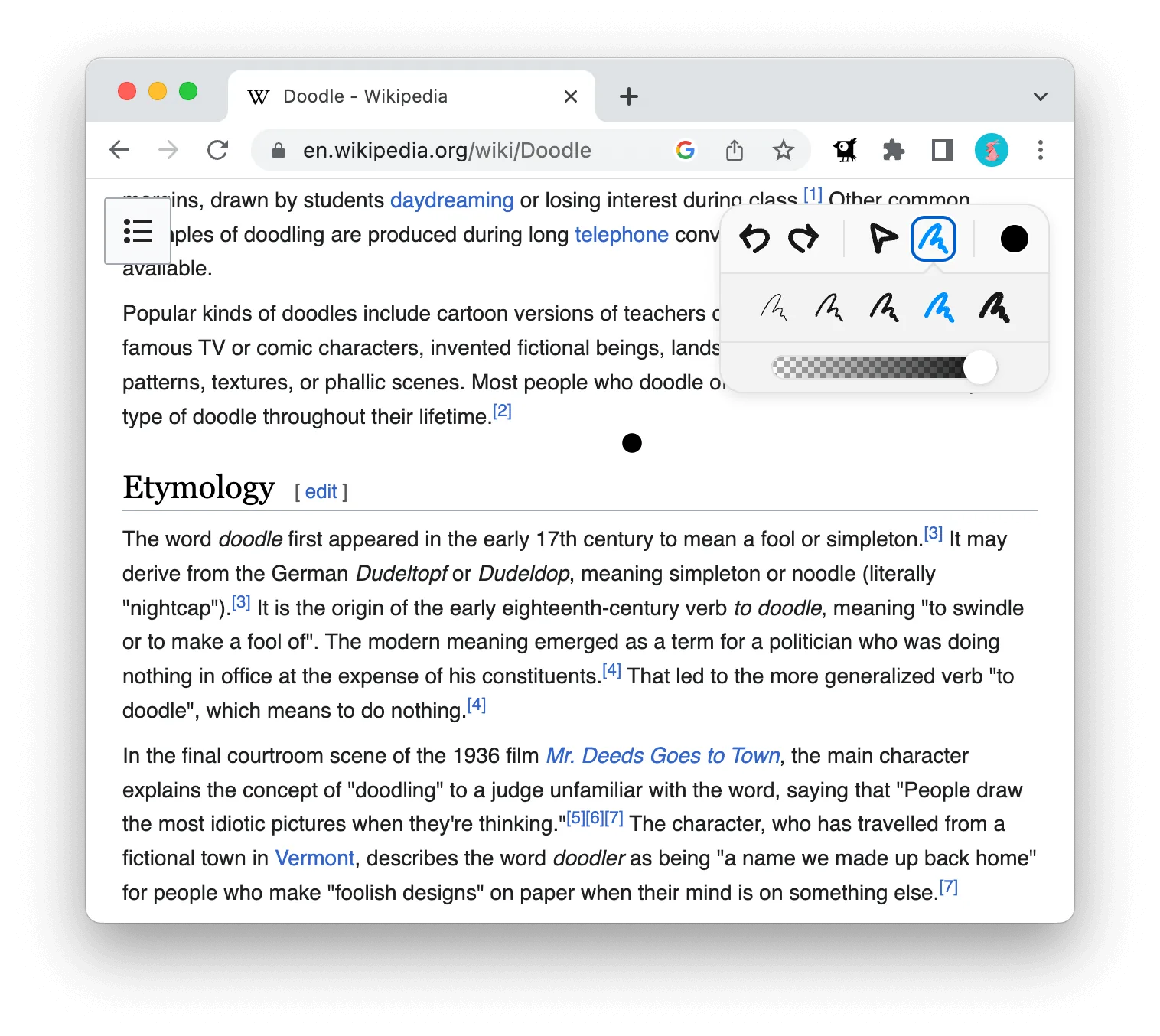
One brush to rule them all.
Change the size and the transparency as you go.
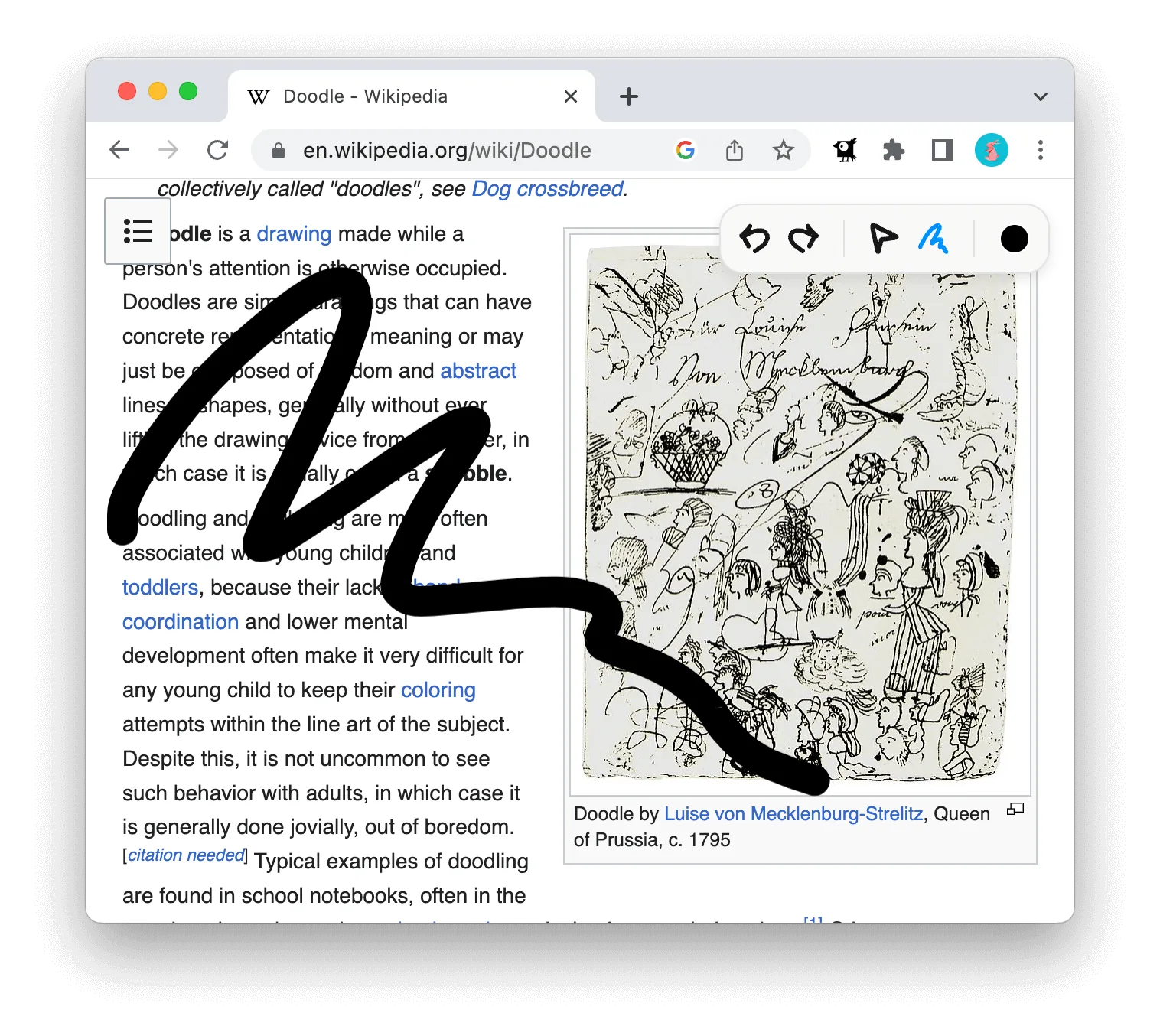
Smoothest lines.
Drawing with a mouse is hard. We even out the wobble.
inkwell is for drawing.
- No data is collected.
- Nothing leaves your browser.
- No extra permissions at install.
- We don't even touch your default search engine.
How can inkwell help?
- It lets me add mustaches to photos, which is instant amusement. My go-to tool for injecting fun into everyday life.
- It keeps sensitive data hidden when I take screenshots. I can conceal personal or financial information quickly.
- I can't get enough of it during video calls. I draw and scribble on the screen — like a mini art studio right there while we're talking.
- I use it to highlight important information and make notes on web pages.
Need a hand?
Say hello.
Support, suggestions, bugs, or nothing in particular — write to inkwell.extension@gmail.com.
Available on the Chrome Web Store